Research note: This Anker USB C to USB C Cable review is based on the current Amazon listing, listed specs, public rating signals, brand-facing product information, and EvalShare editorial analysis. It is not a hands-on lab test, and we do not claim measured wattage, charging speed, cable resistance, long-term bend durability, or data transfer performance here.
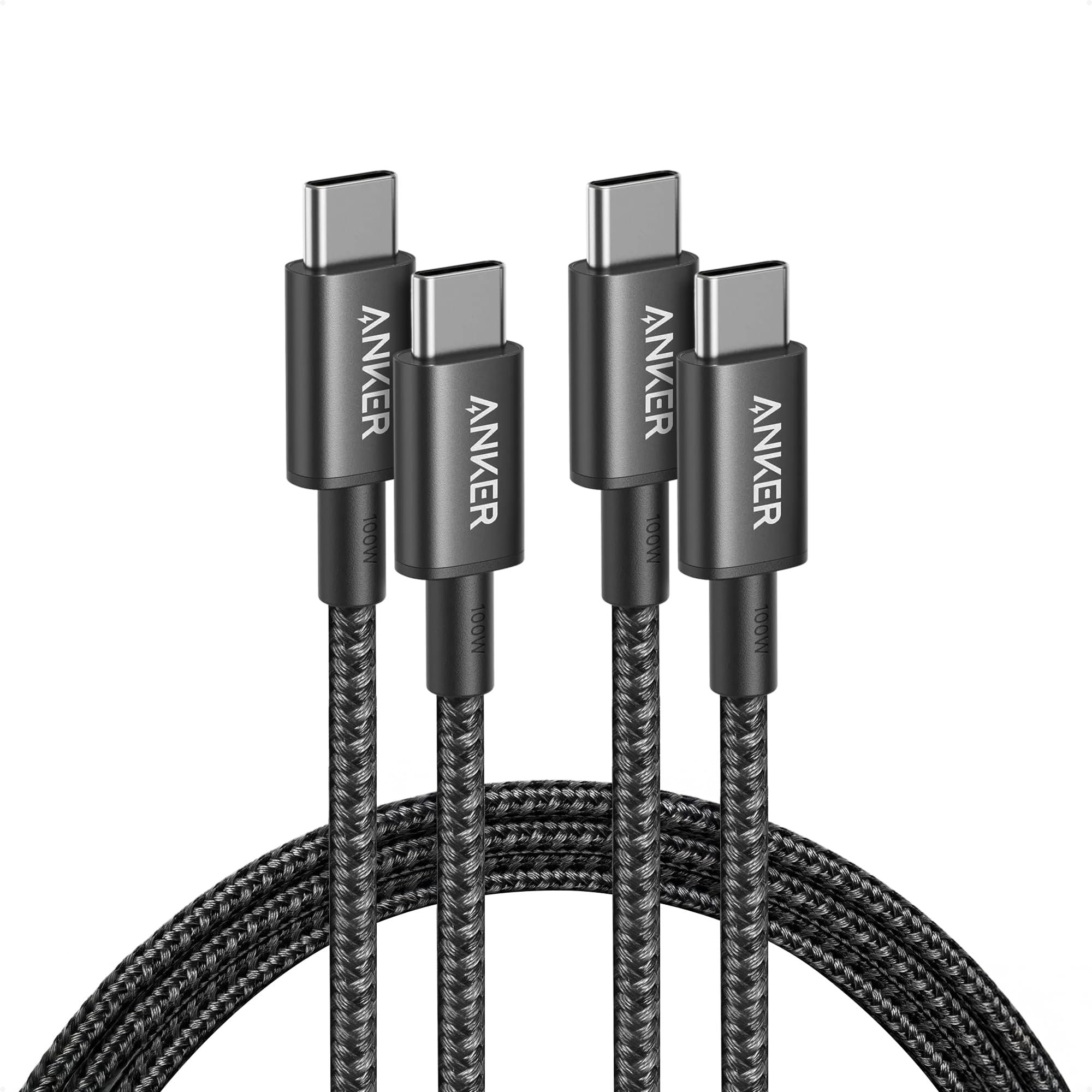
This Anker USB C to USB C Cable review looks at the 2-pack 6 ft Anker 333 USB-C cable for shoppers who want an affordable 100W USB-C cable for phones, tablets, laptops, wall chargers, and everyday bags. The big buying point is simple: it is a braided 6 ft USB C charger cord with up to 100W charging support, 480Mbps USB 2.0 data, and a clear warning that it is not for video output.
Why this Anker USB-C cable stands out
The strongest reason to consider this cable is the value math. At the checked listing price of $9.99, you get two 6 ft USB-C to USB-C cables from a known accessory brand, with 100W charging support and a braided nylon exterior. For many people, that is exactly the sweet spot: one cable can stay near a desk charger and the other can live in a backpack, nightstand, or travel pouch.
The second reason is clarity. This is not pretending to be a premium 240W Thunderbolt-style cable. It is a charging-first cable with 480Mbps data transfer. That makes it useful as a USB C charger cord, a spare laptop cable, or a daily phone cable, but not the cable you should buy for a USB-C monitor, docking station display connection, or fast external SSD workflow.
Key specs buyers should know
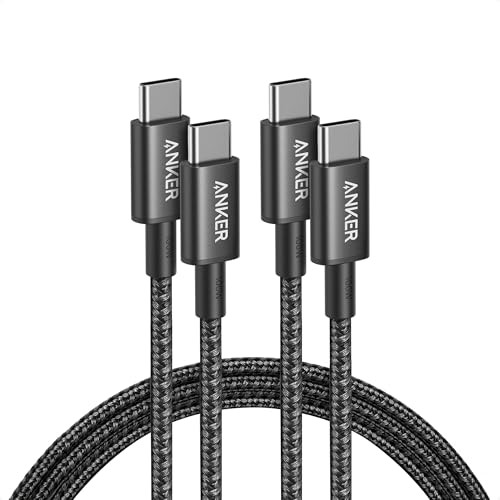
- 2-pack of Anker 333 USB-C to USB-C cables
- 6 ft / 1.8 m length for each cable
- Up to 100W charging support with compatible USB-C PD chargers and compatible devices
- USB 2.0 data transfer listed at 480Mbps
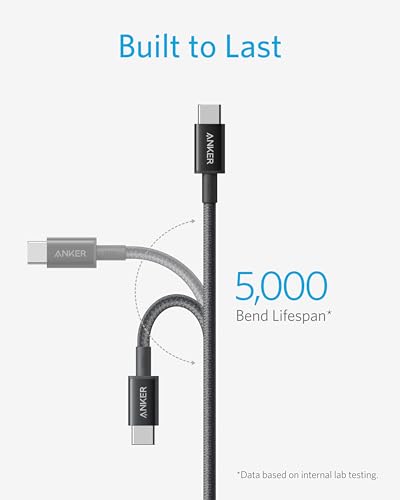
- Braided nylon exterior with a 5,000-bend lifespan claim in the listing
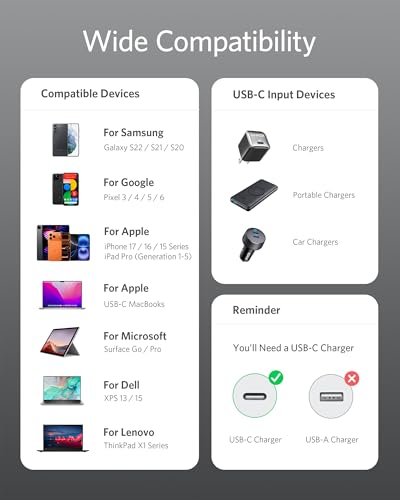
- USB-C connector on both ends, designed for USB-C phones, tablets, laptops, and chargers
- Not for video output, so it should not be used as a USB-C monitor cable
- Ships from Amazon and sold by AnkerDirect in the observed listing module
Charging performance: what 100W actually means
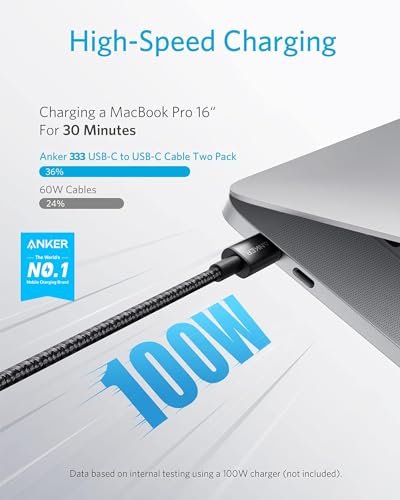
The phrase 100W USB-C cable means the cable is listed to carry up to 100 watts when the rest of the charging chain supports it. Your wall charger, laptop, phone, tablet, and cable all need to agree on a safe USB-C Power Delivery profile. A 100W cable does not make a 20W charger faster, and it does not force a phone to take more power than the phone is designed to accept.
For a MacBook Pro charging cable use case, 100W is enough for many USB-C laptop charging setups, especially around desks and travel chargers. Higher-power laptops or chargers may benefit from 140W or 240W cables, but for ordinary USB-C chargers, compact GaN adapters, tablets, Pixel phones, and iPhone USB-C charging, this Anker cable covers a lot of practical ground.
Compatibility: iPhone, MacBook, Pixel, tablets, and more
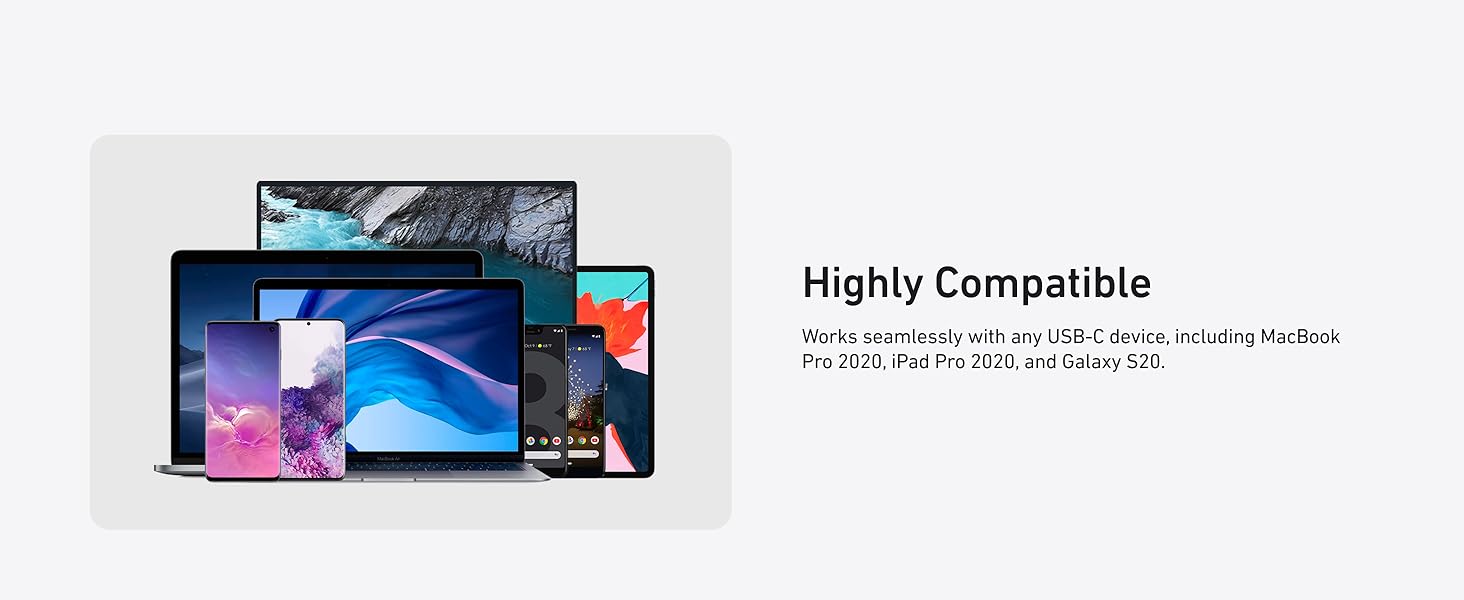
If you are searching for an iPhone USB-C cable or a USB-C to USB-C cable 2 pack for everyday devices, compatibility should be broad. The listing calls out iPhone 17 Series, MacBook Pro 2020, Pixel, and more, and the About This Item section says it is designed to work with USB-C devices. That makes it a reasonable fit for modern USB-C phones, tablets, handheld gaming devices, power banks, and many laptops.
The important caveat is that compatibility does not mean every advanced USB-C feature is included. This cable is for charging and basic data transfer. If your device setup depends on USB4, Thunderbolt, DisplayPort Alt Mode, 10Gbps data, or an external monitor, this is not the right cable.
Data transfer and video output limitations
This is the section to read twice before ordering: the listing says the cable has 480Mbps data transfer and does not support video output. That is fine for moving smaller files, syncing a phone in a basic way, connecting accessories that do not need high bandwidth, or using the cable as a charger cord. It is not ideal for large media dumps, pro camera workflows, external SSD editing, USB-C hubs that need display output, or plugging a laptop into a monitor.

Durability and 2-pack value
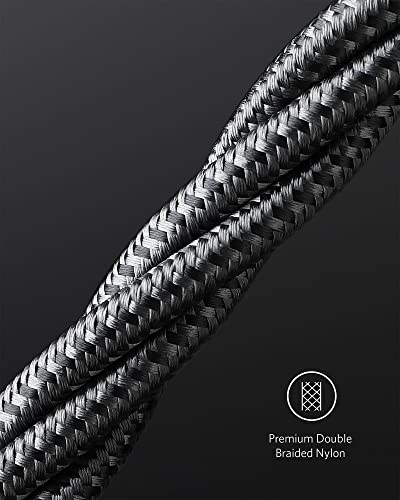
The listing highlights a hard-wearing nylon exterior and a 5,000-bend lifespan. We are treating that as a manufacturer/listing claim, not an EvalShare lab result. Still, a braided cable is generally a better everyday choice than a very thin, soft-sheathed cable if it will be packed, bent behind a desk, or used around sofas and nightstands.
The 2-pack is a real advantage. Cables fail, disappear, or end up permanently attached to one charger. Buying two identical 6 ft cables means fewer mixed-capability cables in a drawer, and it gives you a backup for travel or a second charging spot.
Pros and cons
Pros
- Good value as a 2-pack at the checked $9.99 listing price
- Up to 100W charging support for compatible chargers and devices
- 6 ft length is more flexible than short bedside or desk cables
- Braided nylon exterior and 5,000-bend listing claim
- Strong public rating signal from 30,000+ Amazon ratings
Cons
- Does not support video output
- 480Mbps data transfer is basic USB 2.0 speed, not fast storage speed
- Not a 140W, 240W, Thunderbolt, USB4, or monitor cable
- 100W charging still depends on the charger and device
- Listing research cannot verify long-term cable wear in real homes
Who should buy it?
Buy this Anker USB-C cable if you want a low-cost, name-brand 2-pack for charging USB-C phones, tablets, power banks, handheld devices, and many laptops. It makes the most sense for people who need a practical USB C charger cord rather than a high-bandwidth data cable.
Skip it if your main search is does Anker USB C to USB C Cable support video output, because the answer is no for this listing. Also skip it if you need a cable for a USB-C monitor, Thunderbolt dock, external SSD editing, 8K display chain, or charging above 100W.
FAQ
Is Anker USB C to USB C Cable worth it?
It looks worth considering if you want an affordable 2-pack 6 ft USB-C cable for charging-first use. The value is strongest when you need two everyday cables and do not need video output, Thunderbolt speeds, or 240W charging.
Does Anker USB C to USB C Cable support video output?
No. The listing clearly says this Anker USB-C to USB-C cable does not support video output. Do not buy it for USB-C monitors, DisplayPort Alt Mode, docking stations that need display output, or laptop-to-monitor setups.
Can Anker USB C to USB C Cable charge MacBook Pro?
It can be a good MacBook Pro charging cable in setups that work within the cable’s listed 100W limit and use a compatible USB-C charger. Check your MacBook model, charger wattage, and whether you need more than 100W before buying.
What is the data transfer speed of Anker USB C cable?
The listing table shows 480Mbps data transfer speed. That is fine for basic syncing and small file movement, but it is not the right choice for fast external SSD work, large video transfers, or pro data workflows.
Is this Anker cable good for iPhone USB-C charging?
It should be a practical iPhone USB-C cable for charging when paired with a compatible USB-C charger. As always, charging speed depends on the iPhone model, charger wattage, battery state, temperature, and power delivery behavior.
For more context on how EvalShare separates research-based buying notes from hands-on testing, see our Review Standards, Editorial Policy, Authors & Reviewers, and Affiliate Disclosure.